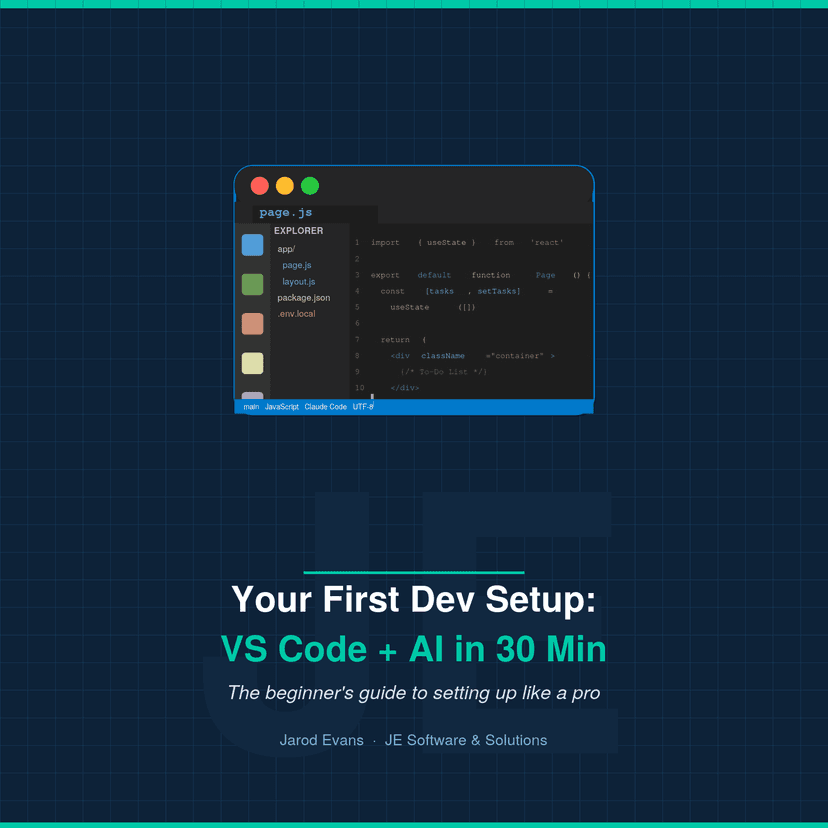
E-book · Instant Download
The beginner's guide to setting up VS Code, Claude AI, and Next.js from scratch — even if you've never opened a terminal before.

You've decided to learn to code but have no idea where to start or what tools professionals actually use.
You've done a few tutorials online but can't get a real dev environment running on your own machine.
You've heard that AI can accelerate learning to code and want to set it up properly from day one.
Installing VS Code
Download, install, and configure VS Code for the first time.
Essential Extensions
The 6 extensions that make VS Code a real development tool.
Setting Up Claude AI
Get an API key and wire Claude into your editor in minutes.
Your First Next.js Project
From zero to a running web app on your machine.
Your Daily Workflow
How to use AI assistance without becoming dependent on it.
What to Build Next
A curated list of beginner projects to keep the momentum going.
Yes. The guide assumes zero prior experience. You don't need to know how to code, use a terminal, or have any tools installed.
Yes — every step includes instructions for both macOS and Windows so you can follow along regardless of your machine.
Claude is an AI assistant made by Anthropic. This guide shows you how to integrate it into your workflow so you have instant coding help as you learn — without needing to tab away from your editor.
No. The guide is written for people who have decided they want to learn to code but have no idea where to start. It meets you at zero.
Yes. Your purchase includes all future updates to the guide at no extra cost.
YouTube tutorials are great but hard to search, easy to lose your place, and rarely explain why — just what. This guide is written, searchable, and explains the reasoning behind every step.
Get instant access for $29.99 AUD — one payment, lifetime updates.
Buy Now — $29.99 AUD